 AlphaNumz
Shared budget for two
Couples budget app that works out who owes whom
One shared budget for two people with separate paychecks. Tag everything as yours, mine or ours, split the shared costs fairly, and see the balance between you as one simple line.
Works offline. No account, no subscription, no bank login.
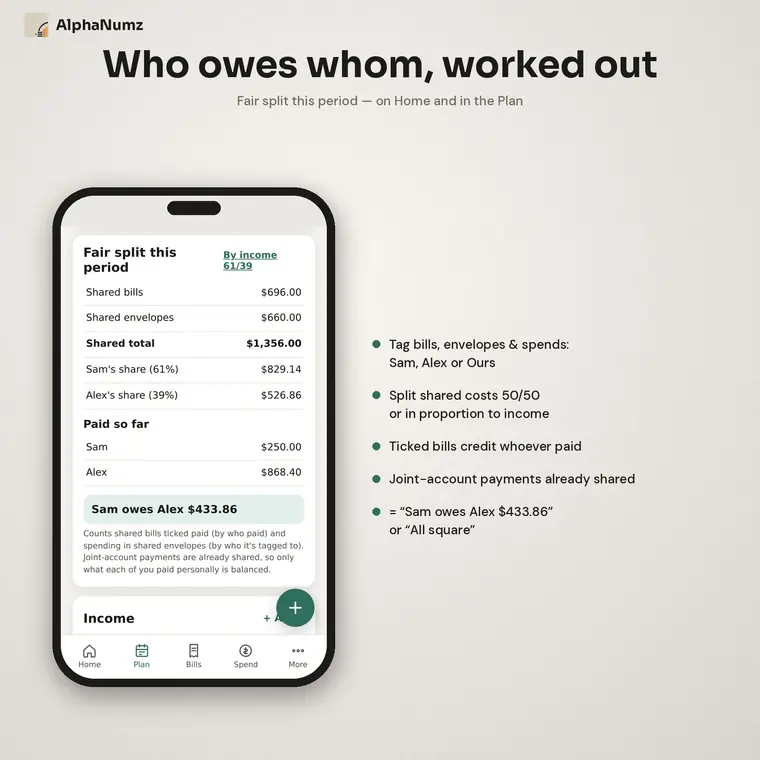
A fair split, 50/50 or by income
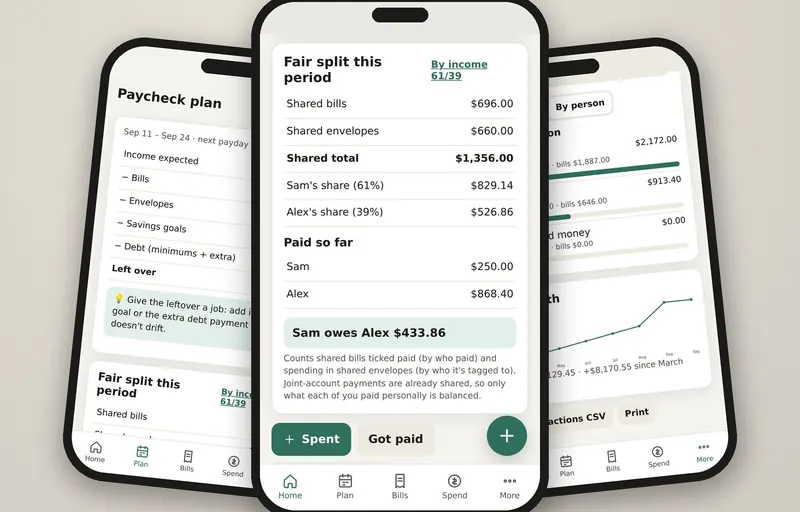
Shared bills and shared envelopes are added up for the period and split evenly or in proportion to what each of you earns. The result shows on Home and in the plan.
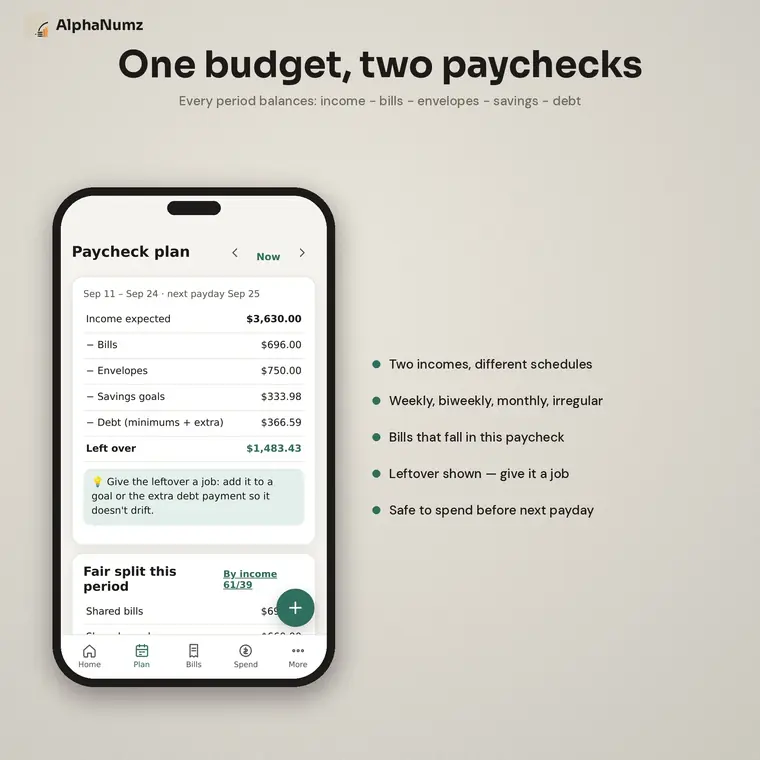
Two people, one budget
Setup asks for both names. Every income, bill, envelope and purchase is tagged to one of you or to Ours, so the budget stays shared while the paychecks stay separate.
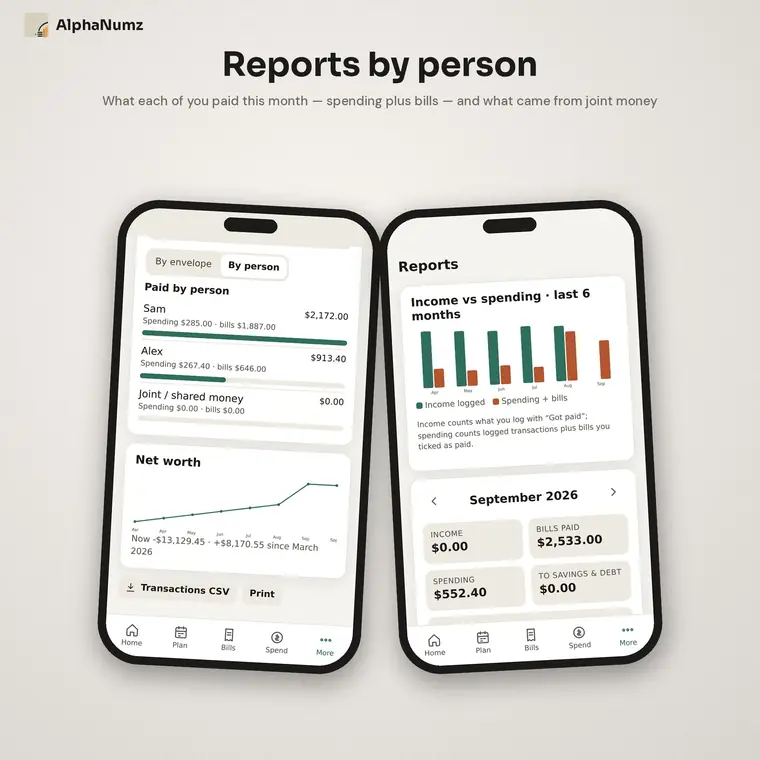
Reports by person
See what each partner paid in a month, spending and bills together, and what came out of joint money.
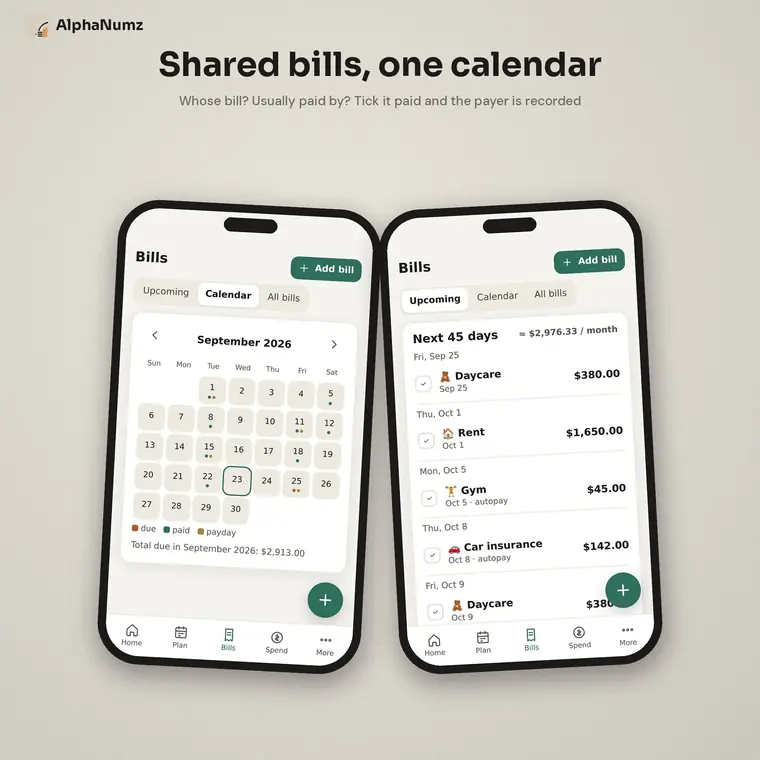
Who paid what
Ticking a bill as paid records who paid it. Payments from a joint account already count as shared, so only what each of you paid personally is balanced.
Who it is for
- Couples who keep separate accounts but share the bills
- Partners with different incomes who want a proportional split
- Anyone tired of working out the monthly balance by hand
Also included
- Safe to spend before the next payday
- Two incomes on different pay schedules
- Spending envelopes and savings goals
- Debt payoff, accounts and net worth
- CSV export
Get Couples Budget App
Works offline. No account, no subscription, no bank login.
Questions
What exactly do I get?
Each app is a single file you download once and keep. Open it in the browser on your phone, tablet or computer. A short Start Here guide is included.
Is there a subscription or an account?
No. You pay once on Etsy. There is no monthly fee, no sign-up and no bank login.
Where is my data stored?
On your own device, in your browser. Nothing is sent to us or anyone else. Use the built-in backup to save a copy or move to another device.
Does it work offline?
Yes. Once the app is open or saved to your device it works without an internet connection.
Can I try before I buy?
Yes. Every app has a free demo on this site with example data loaded, so you can check it suits you first. The demo does not keep what you enter. Digital downloads cannot be returned.
Which devices does it work on?
iPhone, iPad, Android phones and tablets, Windows, Mac and Chromebook, in a current browser. On a phone you can add it to your home screen like any other app.