 AlphaNumz
Editable wedding invitation suite
Wedding invitation suite you edit once and print
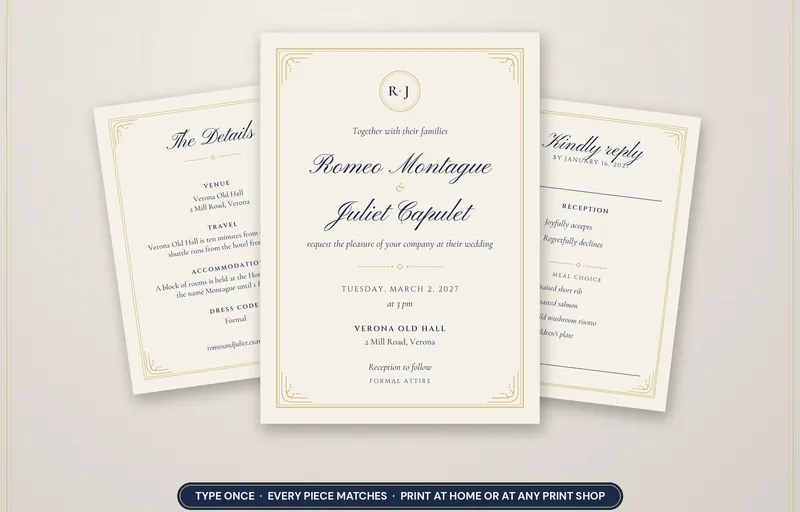
Type your names, date, venues, events and guests once, and every piece of stationery matches. Download print-ready PDFs and print them at home or at any print shop.
Works offline. No account, no subscription, no bank login.
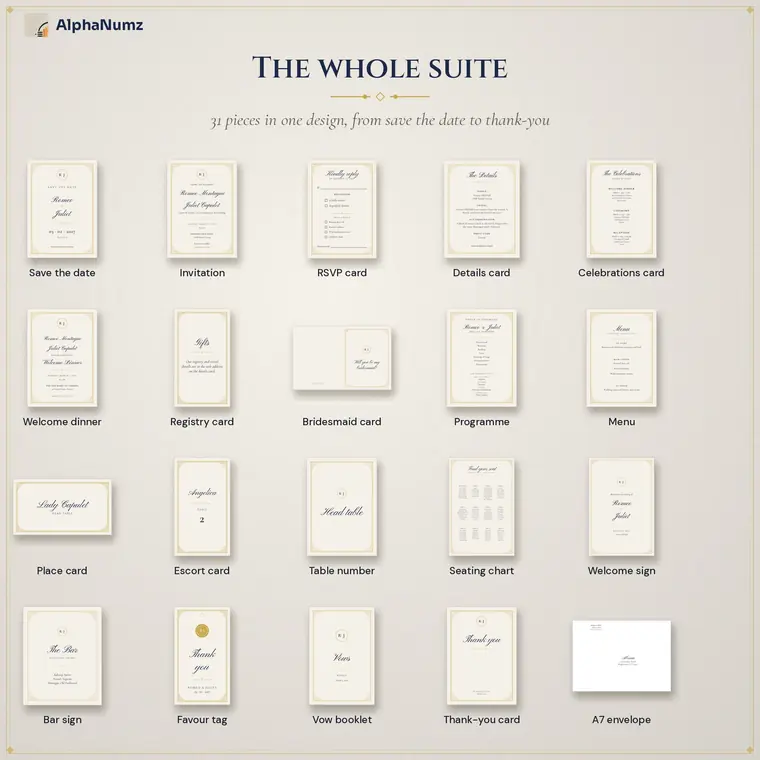
31 matching pieces in one design
Save the date, an invitation for each event, RSVP card, details and registry cards, programme, menu, place cards, table numbers, seating charts, signs, favour tags, thank-you cards and address labels.
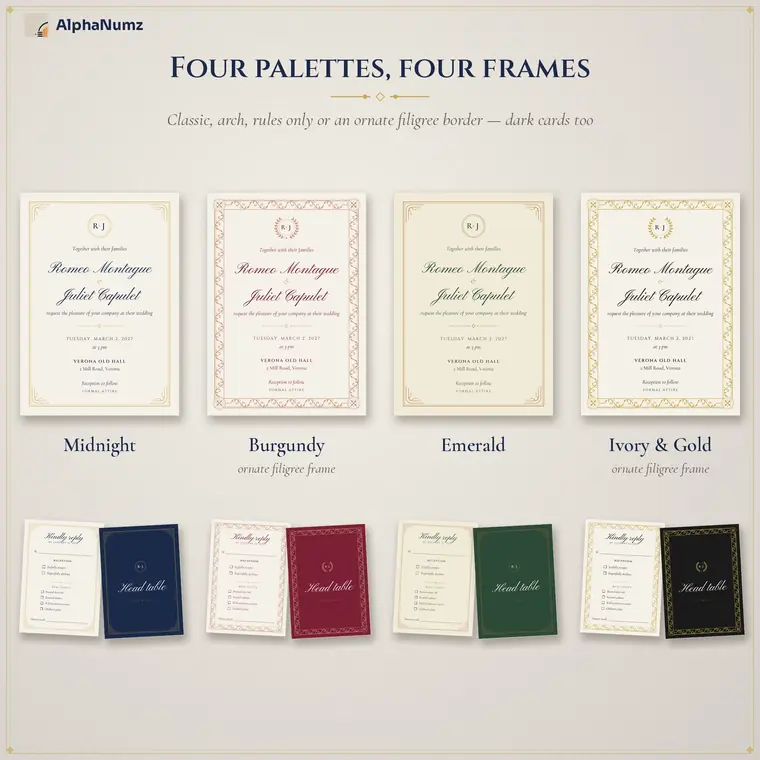
Four colour palettes
Midnight navy and gold, burgundy and rose gold, emerald and copper, or ivory and gold. Switch palette and every piece changes with it. Frames and monograms can be set per piece.
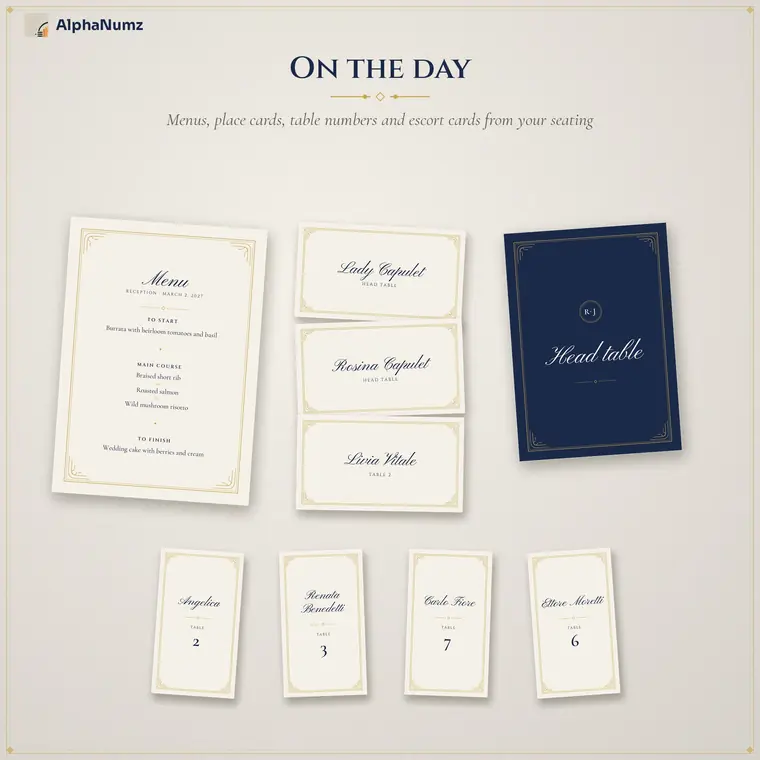
Everything for the day itself
Place cards and escort cards made from your guest list, table numbers, menus, a welcome sign and seating chart posters.
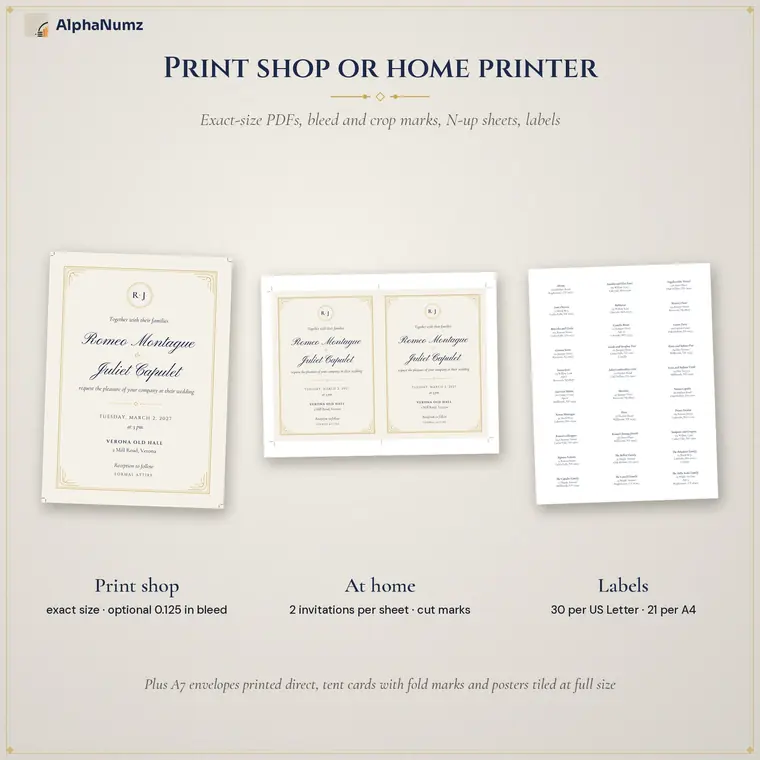
Print at home or at a print shop
Each piece exports as a print-shop PDF with bleed and crop marks, or as Letter and A4 sheets laid out several to a page for home printing. A zip bundle downloads the whole suite at once.
Who it is for
- Couples who want matching stationery without design software
- Weddings with several events that each need an invitation
- Anyone printing place cards and labels from a guest list
Also included
- Imports your data from the Wedding Planner App
- Address labels and envelopes from the guest list
- Classic, arch, plain and ornate frames
- Your printed pieces carry no AlphaNumz branding
- Latin alphabet with accents
Get Royal Stationery Studio
Works offline. No account, no subscription, no bank login.
Questions
What exactly do I get?
Each app is a single file you download once and keep. Open it in the browser on your phone, tablet or computer. A short Start Here guide is included.
Is there a subscription or an account?
No. You pay once on Etsy. There is no monthly fee, no sign-up and no bank login.
Where is my data stored?
On your own device, in your browser. Nothing is sent to us or anyone else. Use the built-in backup to save a copy or move to another device.
Does it work offline?
Yes. Once the app is open or saved to your device it works without an internet connection.
Can I try before I buy?
Yes. Every app has a free demo on this site with example data loaded, so you can check it suits you first. The demo does not keep what you enter. Digital downloads cannot be returned.
Which devices does it work on?
iPhone, iPad, Android phones and tablets, Windows, Mac and Chromebook, in a current browser. On a phone you can add it to your home screen like any other app.